
Best Passport Photo Apps in 2026: Get Visa & ID Photos From Your Phone
Need a passport or visa photo? Explore the best passport photo apps in 2026 and learn how to create compliant ID photos directly from your smartphone.

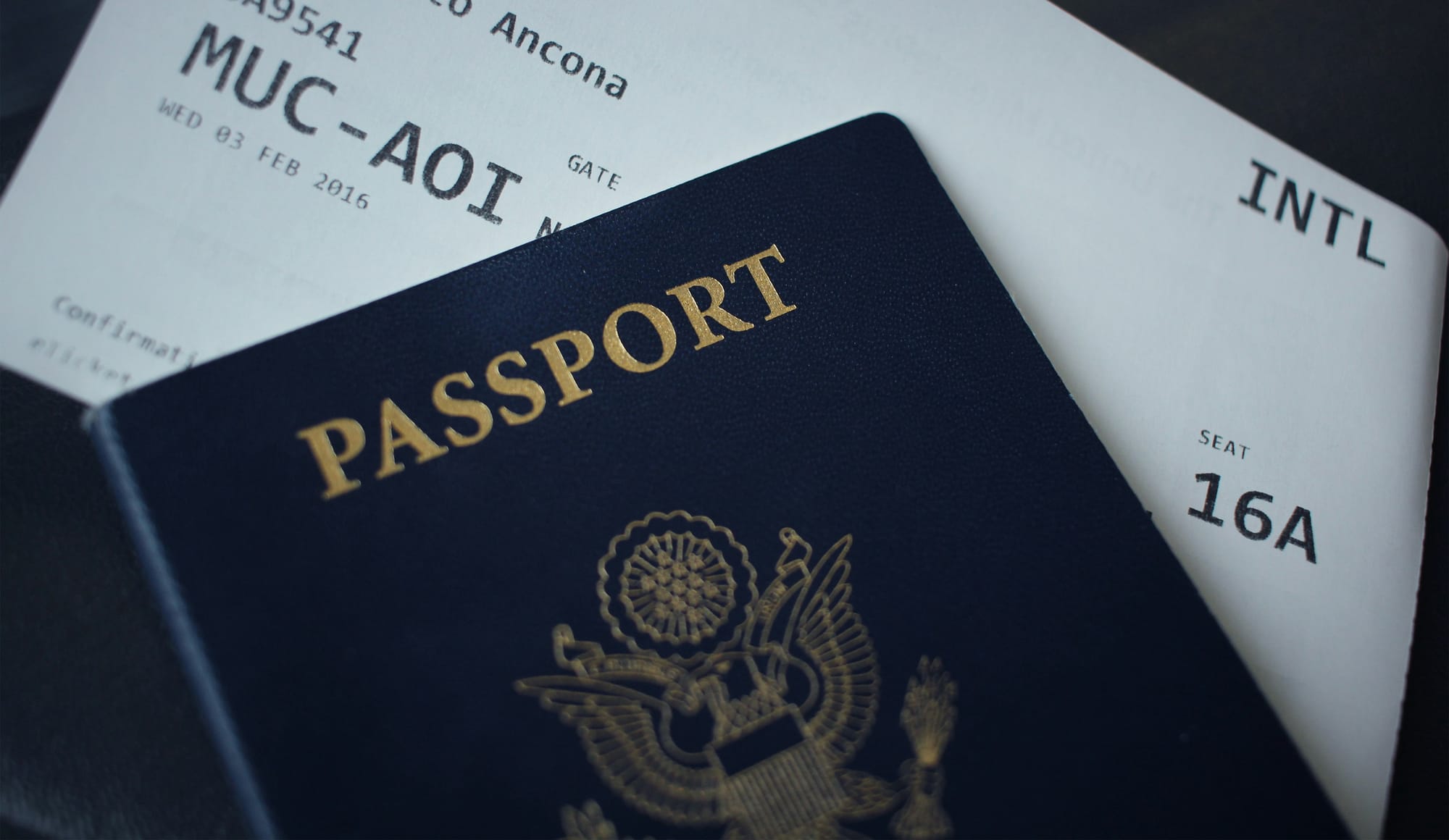
Applying for a passport or visa is stressful enough. The last thing you want is to have your application delayed because of a rejected photo.
Many countries have strict photo requirements regarding size, background color, facial expression, lighting, and image quality. Fortunately, modern passport photo apps can help you create compliant photos directly from your smartphone in just a few minutes.
In this guide, we'll look at the best passport photo apps in 2026, what features matter most, and how to take an ID photo that gets accepted the first time.
Why Use a Passport Photo App?
A passport photo may look simple, but government agencies often reject photos for surprisingly small mistakes.
Common issues include:
- Incorrect dimensions
- Poor lighting
- Shadows on the face
- Non-compliant backgrounds
- Head positioning errors
- Blurry or low-resolution images
Passport photo apps use AI to automatically crop, resize, and adjust images according to official guidelines, reducing the chances of rejection.
Features to Look For in a Passport Photo App
Not all apps are created equal.
Before choosing an app, look for:
Automatic Background Removal
A good app should replace your background with an approved white or off-white background.
Country-Specific Templates
Photo requirements vary between countries.
Look for apps that support:
- US Passport Photos
- UK Passport Photos
- Schengen Visa Photos
- Canadian Passport Photos
- Australian Passport Photos
- National ID Cards
Compliance Checking
The best apps analyze:
- Face position
- Eye alignment
- Head size
- Image resolution
- Lighting quality
before generating the final image.
Digital and Print Formats
Many visa applications now require digital uploads, while some government offices still request printed photos.
Choose an app that supports both.
Best Passport Photo Apps in 2026
1. Passport Photo Online
A popular option that uses AI verification to check whether photos meet official requirements before submission.
Best for:
- Frequent travelers
- International visa applications
2. PhotoAiD
PhotoAiD provides real-time guidance while taking photos and supports passport and visa photos for multiple countries.
Best for:
- Beginners
- First-time passport applicants
3. ID Snap Online
A browser-based solution that works without downloading an app.
Best for:
- Quick passport photos
- Users on desktop devices
4. Cutout.Pro ID Photo
Known for its strong AI background removal and image enhancement features.
Best for:
- Professional-looking results
- High-resolution photo requirements
5. iVisa Photos
A simple solution designed for travelers applying for visas and travel documents.
Best for:
- International travel documentation
- Digital photo submissions
How to Take a Passport Photo at Home
Even the best software can't completely fix a poorly captured image.
Follow these tips:
Use Natural Lighting
Stand facing a window or use evenly distributed lighting.
Avoid:
- Harsh sunlight
- Overhead lights
- Strong shadows
Choose a Plain Background
A white wall is ideal.
The cleaner the original background, the better the final result.
Keep a Neutral Expression
Most passport authorities require:
- Mouth closed
- Eyes open
- Neutral facial expression
Wear Simple Clothing
Avoid:
- Uniforms
- White shirts against white backgrounds
- Busy patterns
Solid, darker colors usually work best.
Why Passport Photos Get Rejected
Many travelers are surprised when their photos are rejected.
The most common reasons include:
- Incorrect photo size
- Poor image quality
- Background issues
- Tilted head position
- Hair covering facial features
- Glasses causing reflections
- Excessive editing or filters
Double-check official requirements before submitting any application.
Digital vs Printed Passport Photos
Today, many visa applications allow digital uploads.
However, some embassies and government offices still require printed photographs.
Before creating your photo:
- Verify file size requirements
- Check pixel dimensions
- Confirm print specifications
Requirements can vary significantly between countries.
Planning Your Next Trip? Let AI Handle the Research
Getting your passport photo right is just one part of preparing for international travel. Once your documents are ready, you'll still need to decide where to go, what to do, and how to organize your itinerary.
SearchSpot helps travelers discover destinations, build personalized itineraries, and plan trips faster with AI-powered recommendations.
Whether you're preparing for a visa application, booking flights, or planning your next adventure, SearchSpot helps you spend less time researching and more time exploring.

Final Thoughts
Passport photo apps have made travel preparation easier than ever. Instead of visiting a studio or photo booth, travelers can now create compliant passport and visa photos from their smartphones in minutes.
Choosing the right app, following official guidelines, and taking a well-lit photo can help you avoid delays and ensure your travel documents are processed smoothly.
Whether you're renewing a passport, applying for a visa, or preparing for an international trip, a reliable passport photo app can save both time and money.
Turn this research into a real trip plan
SearchSpot helps you compare stays, routes, neighborhoods, and decision tradeoffs in one planning flow so you can move from reading to booking with more confidence.